How to Do:
1. Setup:
To help adults organize and manage their personal schedule by filling out a monthly calendar with important dates, appointments, and events. This activity promotes time management, planning skills, and enhances memory by marking special occasions.
2. Activity Steps:
- Step 1: Year/Month/Date Orientation
– Identify the Year and Month:
◦ The helper assists the participant in identifying the current year and the specific month they are working on.
◦ Discuss the current month and any important events coming up.
– Place the Month and Year on the Calendar:
◦ Ensure the calendar reflects the correct year and month.
◦ The helper may guide the participant in marking the current date and help identify the days of the week.
- Step 2: Transfer Daily Activities
– Transfer Daily Activities to the Calendar:
◦ The helper assists the participant in transferring daily activities, such as work, exercise, or personal tasks, onto the calendar.
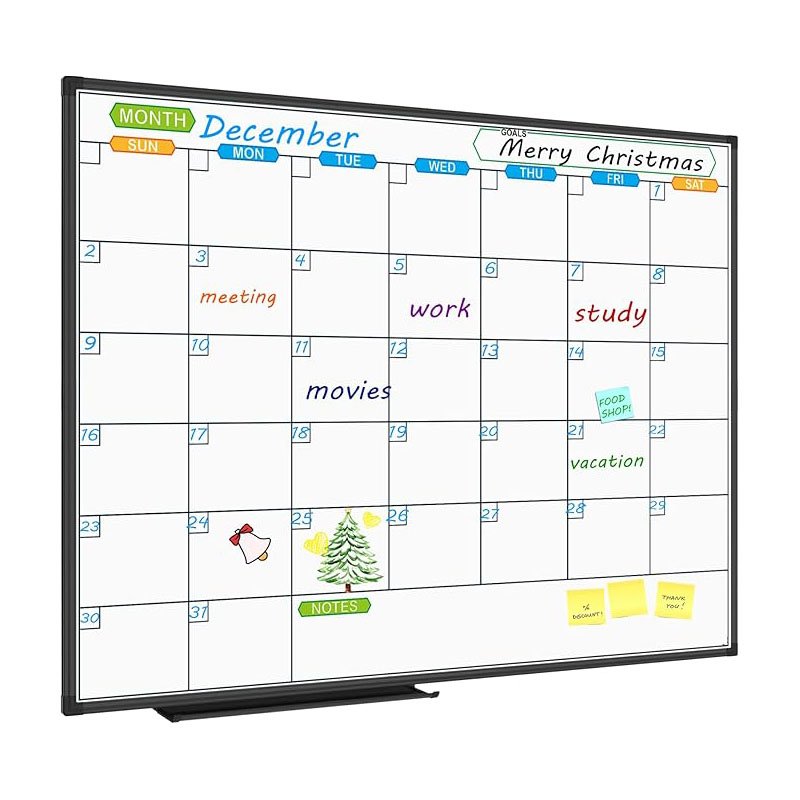
◦ Activities should be written clearly, and the participant can use different colors to distinguish between types of activities (e.g., red for appointments, blue for personal tasks).
- Step 3: Add Appointments and Events
– Medical and Personal Appointments:
◦ The helper assists in transferring medical appointments, such as doctor visits, therapy sessions, or treatments, to the calendar.
◦ Include any personal appointments, like haircuts or meetings.
– School, Work, and Social Events:
◦ The helper helps the participant add work-related events, meetings, or social engagements, such as family gatherings, community events, or outings.
- Step 4: Add Special Occasions
– Family and Friend’s Birthdays:
◦ The helper and participant can look up birthdays for family and friends and write them on the calendar.
◦ Discuss any plans for these birthdays or special occasions.
– Anniversaries and Holidays:
◦ The helper helps the participant add anniversaries, holidays, and other significant dates.
◦ The participant can note any traditions or celebrations they plan to observe.
- Step 5: Mark Special Events
– Use Stickers to Highlight Important Events:
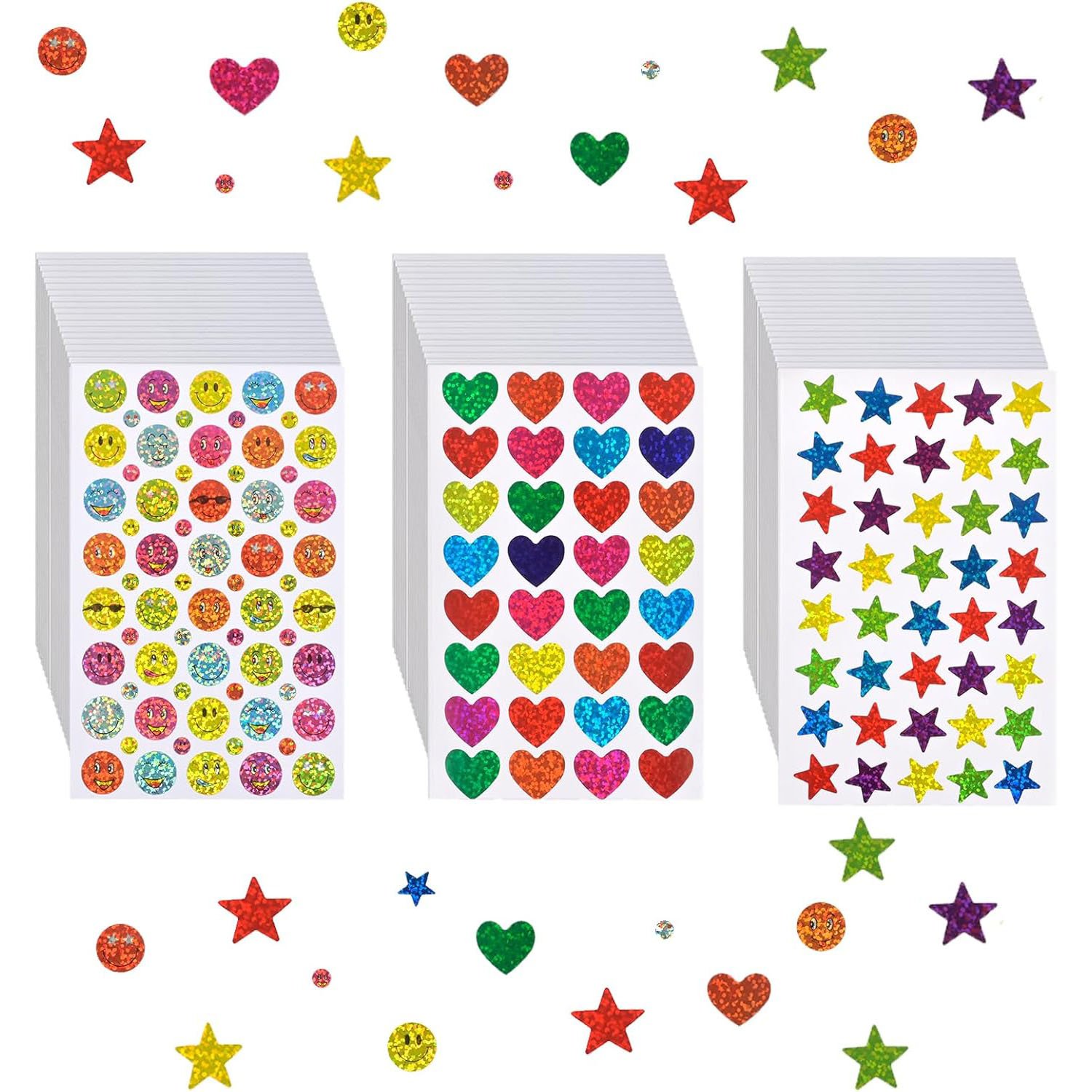
◦ The helper provides small star and heart stickers.
◦ The participant places the stickers on the calendar to mark important events, such as birthdays, anniversaries, or special holidays.
◦ Use a star for significant events and a heart for personal or family-related events.
3. Optional Variations:
- Color-Coding: Use different colored pens or markers to categorize events (e.g., work in blue, personal in green, medical in red).
- Memory Prompts: For important dates that the participant may forget, use additional reminders or set up a digital alert system.
- Digital Calendar Option: If the participant prefers digital tools, transfer the information to a smartphone or tablet calendar app.
Tips for Success:
- Encourage Regular Updates: Set a routine to review and update the calendar regularly, especially as new appointments or events arise.
- Promote Personalization: Encourage the participant to decorate their calendar with personal touches, such as drawings, inspirational quotes, or photos, to make it more engaging.
- Positive Reinforcement: Praise the participant for staying organized and for completing the task of filling out the calendar.
Enjoy organizing your month and celebrating the important events with a personal touch!
Materials Needed:
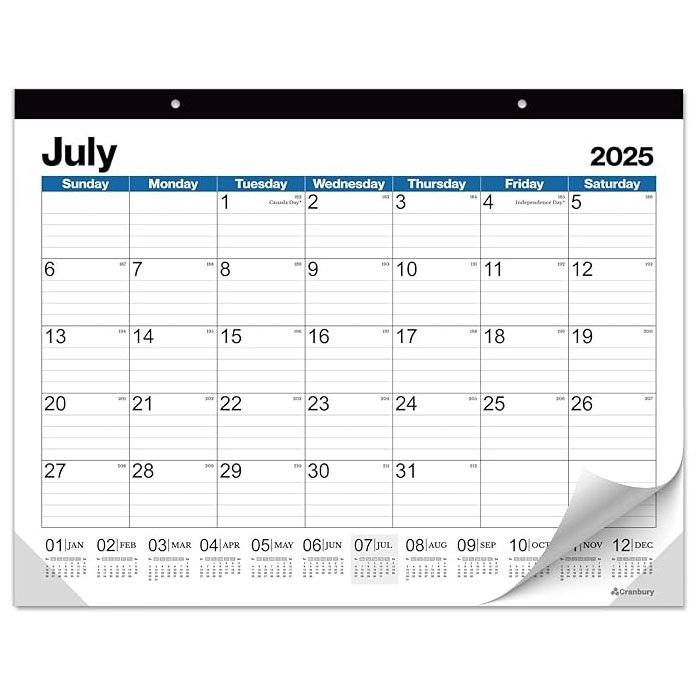
- Monthly Wall Calendar or Legal-Size Monthly Calendar Page
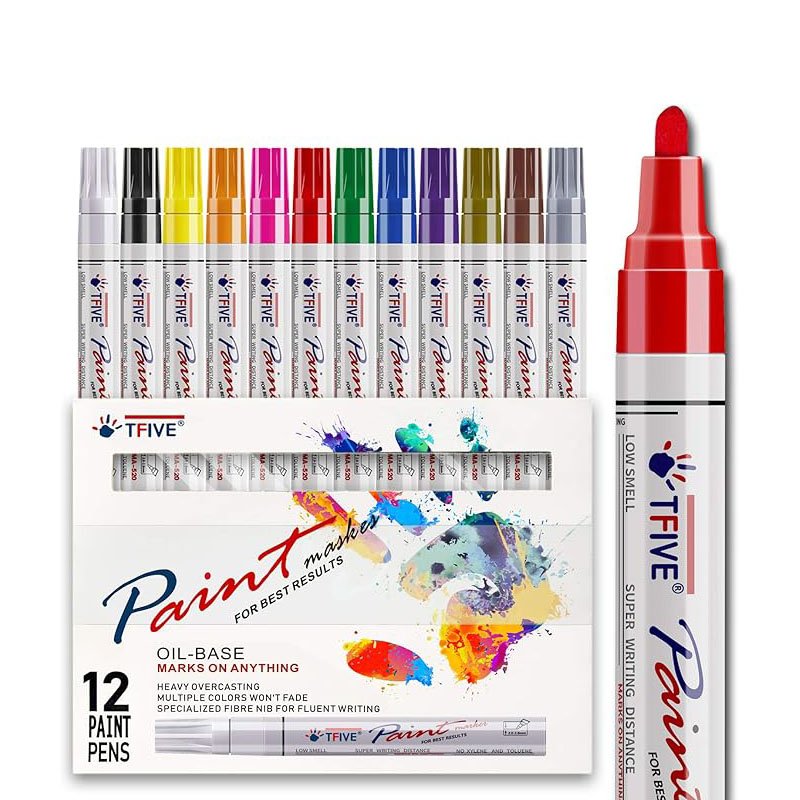
- Black and Red Pen or Marker
- Small Star and Heart Stickers